
Native applications
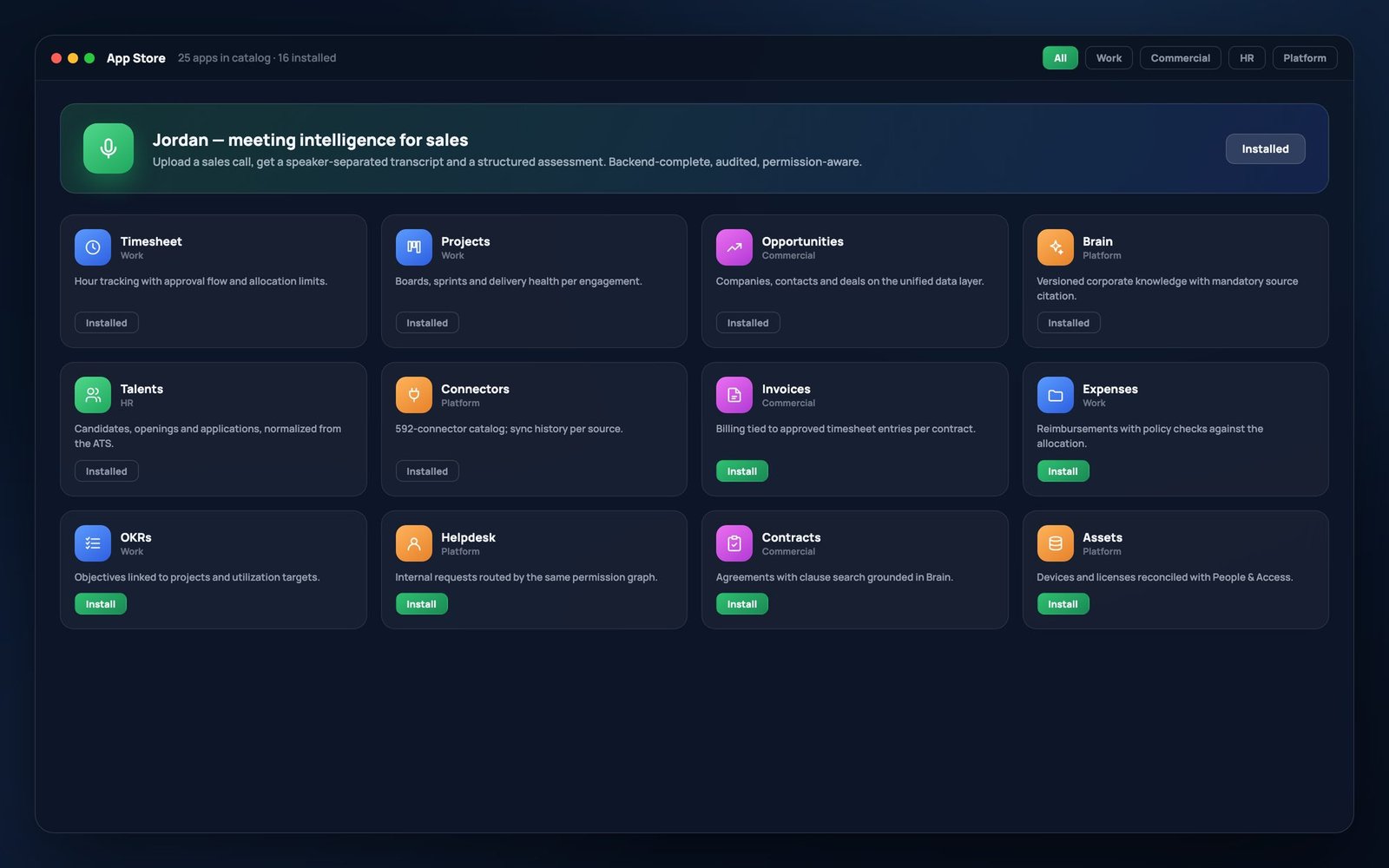
Twenty-five in the catalog.
Sixteen installed and in use.
Hour logging, opportunity management, project boards, a talent base, corporate knowledge and the platform's own operational tooling — under a single authentication and a single permission model.
| Category | Applications | Scope |
|---|---|---|
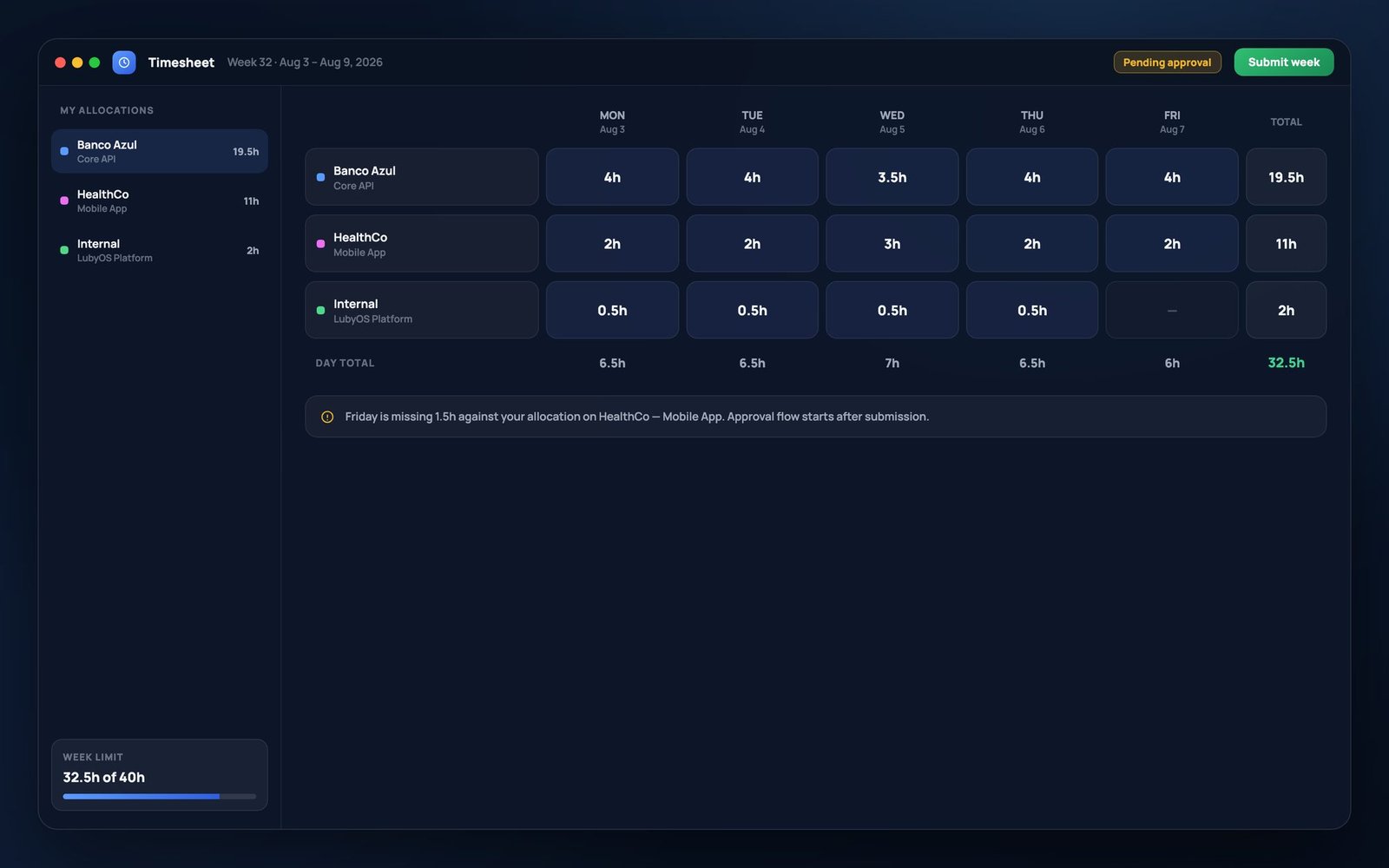
| Work | Timesheet · Projects · Tasks · Notes · Files | Hour logging with an approval workflow and limits, boards and sprints, an activity list, notes anchored to any object in the system, and a file system whose permissions are inherited from the folder. |
| Sales | Opportunities · Contacts · Jordan | Companies, contacts and negotiations; the directory of people in the operation; and Jordan, which takes the audio of a sales meeting, produces a transcript with speaker separation and returns a structured assessment. |
| HR | Talent | Candidates, openings and applications originating in the ATS, already normalized in the data layer — without a second database maintained by hand. |
| Platform | Brain · Connectors · Data Lake · Data Audit · Logs · People & Access · Skills | Corporate knowledge, the data sources and their synchronization history, the calibration of identity resolution, the access trail, and the administration of users, roles and departments. |
A complete backend as a condition of installation
An application is only installed once it has routes, permissions and tests. Applications without a backend remain in the catalog and off the desktop, and no screen presents illustrative data. Where there is no information, the interface states its absence.
The audience matches the backend
Applications whose operations require an administrative profile are installed for that audience only. Each user's grid is composed on the server, and the kernel revalidates permission on open: filtering the interface improves navigation, and control sits on the server.
The platform applications are part of the product delivered to the client. Whoever operates the system can inspect the origin of each record, the last synchronization of each source, and the complete register of access granted and denied.